

Sometimes a film hits its best scene and the picture freezes with a loading circle on screen. You drop the quality, hit restart on the app, move closer to the router. Sometimes that works. Sometimes nothing changes at all.
This is why people turn to the question of whether a VPN would help with buffering. The answer is that it sometimes will help with some kinds of buffering and not with others.
A VPN will encrypt your traffic and send it through another server. That helps if your provider is singling out video traffic and slowing it down. It may also help if the route between you and the streaming service is a poor one. What it cannot do is invent bandwidth your connection does not have, fix weak Wi-Fi, or fix an outage at the streaming service. In fact, because of the extra step of routing through another server, it can make things slower.
So the useful question is not whether VPN streaming works. It is what is causing your buffering in the first place.
What actually causes buffering
Does a VPN stop buffering? Only if the buffering is from something the VPN can reach, so it’s worth knowing what causes buffering in the first place.

Four devices, one connection. Often the problem is in the room, not on the internet.
- The usual culprits, roughly in order of how often they turn out to be the real one:
- Weak or unstable Wi-Fi, especially through walls or at the far end of the house
- Too many devices pulling on the same connection at once
- A plan that is simply too slow for the quality you have selected
- Local congestion at busy times of the evening
- A large download or cloud backup running quietly in the background
- A problem between your provider and the platform's delivery network
- The streaming app, browser or device itself
- Your provider managing or slowing certain traffic
A congested VPN server, if you are already using one
Does a VPN make streaming better?
In terms of raw speed, usually not. It typically costs you a little.
Without a VPN your traffic goes:
Device to provider to streaming service.
With one, it goes:
Device to provider to VPN server to streaming service.
That is why a VPN should never be sold as something that boosts the speed of your internet connection. What a good one does is keep the cost small. It uses an efficient protocol and servers in sensible places with enough capacity that they are not crawling at nine in the evening. Senton VPN runs on WireGuard, whose codebase is deliberately small and lean compared with older protocols like OpenVPN.
Not all WireGuard connections are equal, though. Distance, the device you are connecting from, the quality of your line and how busy the server is all affect the result. Better and faster are not the same question either. A stream that holds steady at a slightly lower peak speed is a better evening than one that keeps stopping.
That does not mean any WireGuard connection beats any other VPN. Distance, your device, the quality of your line and how busy the server is all still apply.
Why use a VPN when streaming
There are two situations, where a VPN will make a real difference to the streaming experience.
When your provider is slowing video specifically
Providers do traffic management all the time. Whether they are managing congestion on the network, enforcing the limits of a subscriber agreement, or treating different types of data differently, a provider can recognise a connection as video and reduce the speed accordingly. However, if the video traffic is encrypted inside a VPN tunnel, the provider will only see encrypted data flowing to a VPN server. They will see how much data is being transferred and when, but not which streaming services the user is viewing. Our guide to what your internet provider can see goes through the mechanics.
Your provider can still see that you are moving encrypted data to a VPN server, and how much of it, and when. What it should not see is which service each stream is going to.
When the normal route is a bad one
Traffic does not necessarily take the shortest path from one point to another on a map. Data travels through whatever commercial and technical arrangements exist between networks until it finds the destination server the platform is using. It might take a while getting there, or it might be an awkward route. Using a VPN might mean your traffic finds a better one. Your plan has not changed to offer you faster speeds. A tidier road has been found, that is all. This can happen in reverse just as easily, which is why it is important to test your connection rather than theorise as to which server will win the race.
Sometimes that path is congested or badly connected, and going via a VPN server puts you on a better one. The VPN has not made your plan faster. It has found a tidier road. The reverse happens just as easily, which is why testing beats theorising.
Choosing the best VPN server for streaming

Start close to where you are. The shorter the distance, the lower the latency, the quicker a stream starts and the steadier the speed holds.
One tap on Quick Connect and you have the list of Senton VPN locations in front of you, with no digging through settings.
Senton VPN does not pick the server for you.
Worth saying plainly, because a lot of VPN marketing implies otherwise. Quick Connect allows you to shorten the path from your location to the list of available locations. There is no automatic selection of a server by Senton VPN. Distance you do not need is wasted distance. Senton currently runs 50+ servers across 50+ countries, with more than one city in several of the larger markets.
Why platforms detect VPNs
Licensing runs country by country, so libraries differ by territory. By using a VPN, your device appears to the service with a different public IP address, which can make it look as though you are somewhere else entirely.
Platforms have plenty of ways to notice:
- Lists of addresses known to belong to data centres and hosting networks
- A lot of unrelated accounts arriving from one address
- An account that jumps between distant countries
- IP location that disagrees with DNS or device location
- Whatever the account, payment method and household already say
Shared, Static or Dedicated IP?
Most people use the same exit address as other customers. This is good for privacy, because a lot of unrelated activity sits behind one address & none of it points cleanly at you.
The cost is reputation. If too many people use that address, the platform may assume it is a VPN and block it. A Dedicated IP avoids that by reserving one address for your account alone.
- What it is
- One address used by many customers at once
- Best for
- Everyday privacy
- What it is
- A consistent address from a supported Senton Static IP location, included in eligible plans. Not reserved for you alone
- Best for
- Getting the same address each reconnect without paying extra
- What it is
- An address reserved for your account, sold as a paid add-on
- Best for
- Logins and work systems that need to recognise you
| Type | What it is | Best for |
|---|---|---|
| Shared IP | One address used by many customers at once | Everyday privacy |
| Static IP | A consistent address from a supported Senton Static IP location, included in eligible plans. Not reserved for you alone | Getting the same address each reconnect without paying extra |
| Dedicated IP | An address reserved for your account, sold as a paid add-on | Logins and work systems that need to recognise you |
Shared IP
Can Geo-Spoofing fix location errors?
Many platforms cross-check your IP address against other information about you: your device location, your mobile network, the language you use, your time zone, your billing country and where you typically sign in to the app.
Geo-Spoofing on Android will change your device's GPS location, as well as the country associated with your IP address, so the two stop contradicting each other.
Where Bypasser helps most

Use the streaming app via Senton when your internet provider is interfering with that service, when the ordinary path is misbehaving, or when you would rather your usual address stayed out of it. Use the regular connection for everything else.
Keep the streaming app outside of Senton when the platform blocks VPNs, when the stream really is faster outside the tunnel, or when the app insists on using your local network. This is better than turning the VPN off entirely and then forgetting to turn it back on.
Anything you route around the VPN is not protected by it. Traffic excluded through Bypasser goes out on your normal connection, with your normal IP, visible to your provider in the usual way. That is the trade, and it is worth making deliberately.
Does Safeweb help?
Safeweb blocks requests to known advertising, tracking and unsafe domains before your browser fetches them. This cuts down how many requests your browser has to make on streaming sites that are loaded with ads.
What it will not do is rid your streaming of ads. Often the ads are part of the stream itself, served from the same infrastructure as the programme, or built into the subscription plan you signed up for. If the domain carrying the ads is blocked, the video can be blocked with it. It is a tool for privacy and safer browsing rather than an ad remover.
Why the Kill Switch matters mid-film
If your VPN drops during video streaming then your device will switch back to your regular connection. This means that the service will now know your actual IP address at a point during the stream and your visible location will jump.
The Kill Switch will drop traffic as your VPN does, irrespective of an alert. The second aspect is dealt with by Auto Connect. This automatically reconnects your VPN on app open.
There is a trade off here and it is important to be aware of this. A movie will stop rather than continue outside the VPN. This is the more privacy friendly option. If you don't want a movie stopped then a more stable server should be used rather than turning off the Kill Switch.
How to tell whether the VPN is helping, and before you blame it
One speed test will not tell you the whole story. Run a proper comparison instead.
- 1Restart the router and the streaming device.
- 2Check the connection with the VPN off.
- 3Play the same title at the same quality, and note how long it takes to start and whether it stalls.
- 4Connect to a nearby Senton server and repeat exactly the same test.
- 5Try one more server in the same region.
- 6Keep the time of day and the device the same, or you are measuring something else.
- What it usually means
- The server is too far away or too busy. Pick a nearer or quieter one.
- What it usually means
- The VPN is likely dodging a bad route or traffic management.
- What it usually means
- The problem is your Wi-Fi, your line, your device or the platform.
- What it usually means
- Look at the app, the device or the route, not raw bandwidth.
| What you see | What it usually means |
|---|---|
| Fine without the VPN, poor with it | The server is too far away or too busy. Pick a nearer or quieter one. |
| Poor without it, better with it | The VPN is likely dodging a bad route or traffic management. |
| Poor either way | The problem is your Wi-Fi, your line, your device or the platform. |
| Good speed test, constant buffering | Look at the app, the device or the route, not raw bandwidth. |
Before you blame the VPN
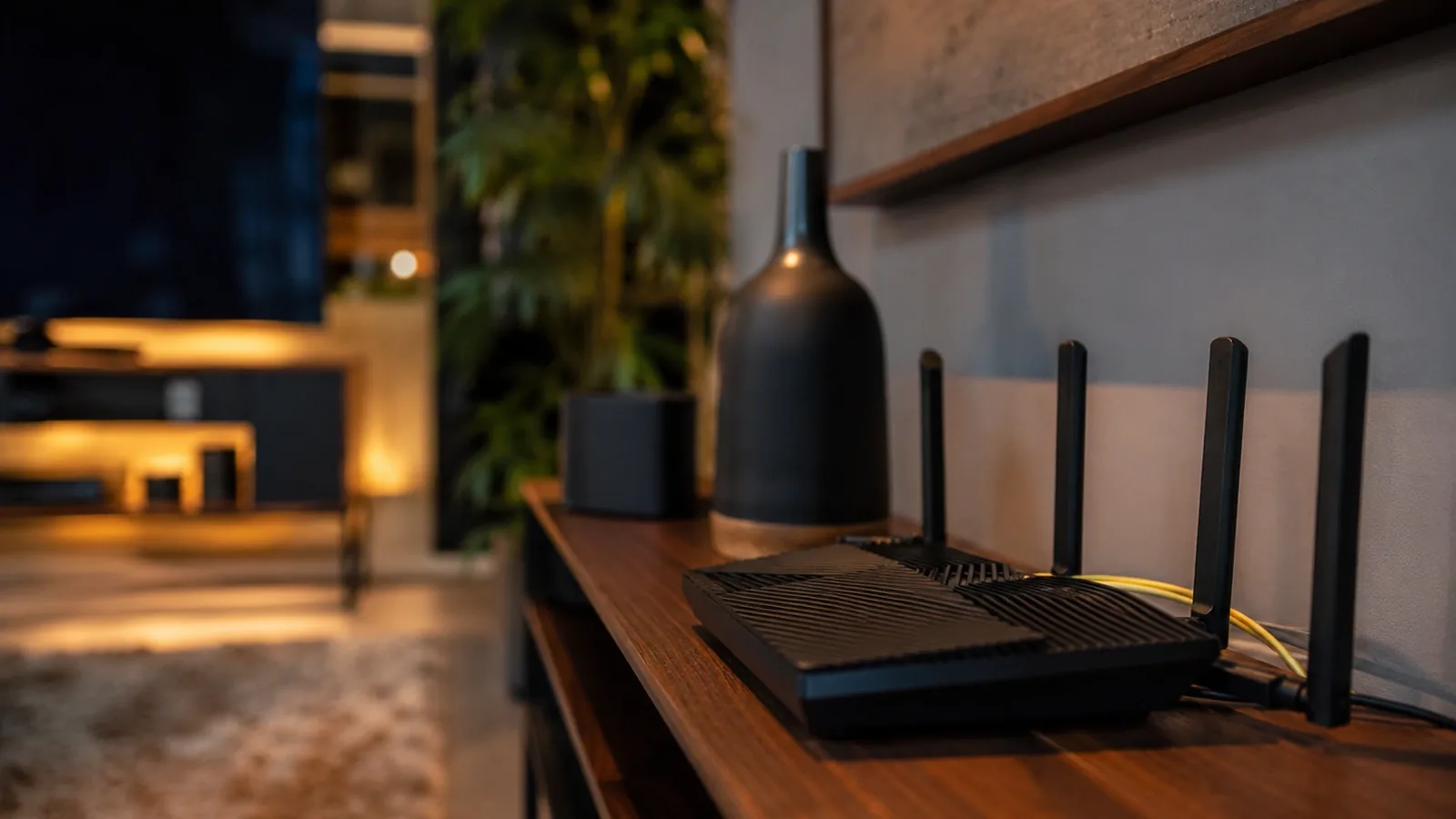
- Use Ethernet where you can, or a strong 5 GHz signal where you cannot
- Get the router out of the cabinet and away from anything that interferes
- Pause big downloads and cloud backups
- Count how many devices are actually on the network
- Restart the router and the streaming device
- Update the app and the operating system
- Start with a nearby server, then try a second one in the same country
- Use Bypasser when only one app really needs the VPN
- Keep the Kill Switch on when the address matters more than uninterrupted playback
- Drop the video quality on a connection that cannot sustain it
- Call the provider if direct tests keep coming in under what you pay for
The bottom line

A VPN will not repair the weaknesses of your Wi-Fi. It will not conjure bandwidth you are not paying for, fix an outage at the streaming platform, or undo congestion sitting across your whole line. Of the features Senton ships, three touch performance: the WireGuard protocol, the server you connect from, and packet size optimisation. Bypasser gives you the decision on whether an app belongs inside the tunnel or outside it. The Kill Switch guards your address the moment a connection drops.
What a good VPN gives you is control. Control over the route your data takes, over your privacy, and over how your connection behaves. It should not claim to make every stream faster or unlock every service, and we do not.
FAQ


