When you open the VPN app for the first time, you will be faced with a list of countries. There is no information provided to tell you which one to pick.
Is the closest country to your location the best choice? Should you pick your home country or the country that the website is based in? The honest answer for most people, most of the time, is actually very simple: pick a server that's near you. Distance is the single biggest thing that you can control, and for most tasks, the best VPN server is going to be the closest one to you.
But the nearest server is not always the right server. Someone travelling for work might need a stable address from home. Gamers care about latency above all else. Banking apps might work better outside of the VPN entirely. The right server for you will depend on what you are doing online, so here is how to make that choice.
Why the server you choose matters
The server that you connect through has an impact beyond the flag on the app. It impacts your connection speed, the destinations you can access, your level of privacy, and the stability of the connection.
Speed and latency
Closer servers usually mean faster speeds and lower ping.
Content access
Some services are only available in specific countries.
Privacy and security
A shared server helps your activity blend in with everyone else's.
Stability
A quieter server means fewer drops and less buffering.
How to choose a VPN server
Before you hit connect, ask yourself:
- When choosing a VPN server, consider four questions. Ask yourself these questions before you hit the connect button on your VPN app.
- What am I actually doing right now? Streaming, gaming, browsing, or working?
- Where is the service that I would like to reach based?
- Do I need the lowest ping, the best speed, or the most privacy?
Once you know the answer to those, the right server is usually obvious.
What changes when you pick a server
What is a VPN server? It is a dedicated remote server run by Senton VPN in a data center that routes your encrypted traffic to the web. If the idea is new to you, our guide to what a VPN is covers all of the groundwork you'll need to understand the rest of this article about VPN servers.
The IP address websites see
Sites see the VPN server's address instead of the one your broadband or mobile provider gave you. If you connect to a server in Germany, you generally look German. If you connect to one in Singapore, you generally look Singaporean.
That word generally matters a great deal here. Whether or not you look German or Singaporean is an estimate based on your IP address, which is just one of the signals that an app is able to read about you.
The route your traffic takes
When you use no VPN, your traffic goes from your device through your provider to the site. With a VPN, it goes from your device through the VPN server you picked to the site. That route may be better or worse than the old route. Three things decide which. How far your traffic has to go. How busy the networks in between are. How the site's own infrastructure responds.
Your latency
Latency is the time for data to make a round trip, in milliseconds. Distance is one of the main causes of latency. Data between two places close to each other will have less latency than data that has to travel between two points that are continents apart. Every router along the way adds a little more. This is why a server close to you is the default advice for games and video calls.
This is the whole reason a nearby server is the default advice for gaming and video calls.
Start with Quick Connect
Nobody wants to scroll a country list every time they connect, and with Quick Connect you do not have to. Tap it once and the list of Senton locations is right there, no settings menu involved.
We should be precise here, because a lot of VPN marketing hints at more than this. Quick Connect gets you to the list faster. That is the whole of it. Choosing the location is still your job. Senton is not measuring latency behind the scenes, it is not measuring server load, and it is never going to pick a location for you and connect you to it.
Is the nearest server always the fastest?
No, but it's the best place to start. The proximity of a server to your location reduces the distance that your data has to travel, and distance is the one part of the equation you can actually influence. Content delivery networks work on the same principle of bringing content close to the individuals who are reading it.
Distance is only part of the picture. A server that's slightly further away might win out if the one closer to you is busy, if your provider happens to route badly to that data centre, or if the website you're visiting has a better connection to the other server. Two servers situated in the same country might sit on vastly different paths across the internet.
Rather than relying upon the map as your guide to the best server, test a couple of options that make sense to you. The one that feels the best will be the one to keep.
So test two or three sensible options rather than trusting the map. The one that feels best is the one to keep.

Choosing for speed
- 1Open Quick Connect and select a location within your country or one that is next to your country.
- 2Use it for a few minutes on the sites and apps you actually care about.
- 3Now try a second location nearby. Judge the connection based on how it feels while you are using it, not on the number that a speed test yields.
- 4Stay on whichever one of the two is the steadier connection over time. Consistency will always beat a high peak number when you are actually using the connection.
Senton VPN runs on WireGuard, a lean protocol compared to older VPN protocols. That trims the protocol overhead. Still, no protocol can fix the problems caused by weak Wi-Fi signals, a congested internet provider or a server on the other side of the planet. The route still matters more than the badge on it.
Choosing for streaming

Jumping to another continent will stretch that path considerably. Your video may well still play perfectly fine. All you've done is give congestion and packet loss, two things that were always present in the network, more opportunities to interfere.
No VPN can promise you a streaming catalogue
If the streaming application works better on your normal connection, Bypasser will allow you to keep that app outside of the tunnel while the rest of your connection is inside the VPN tunnel. You can also do the reverse and send only the streaming app through Senton. However, anything that goes around the VPN is not protected by it. Our companion piece on whether a VPN improves streaming goes further into this.
Choosing a VPN for gaming
Online gaming with a VPN will ultimately live and die on the latency of the connection, not the download speed. While your connection will have to have sufficient throughput to download the game, the gaming itself needs your inputs to reach the game server quickly. A connection with a high download speed and high latency will still feel bad to play on.
- A server that is close to you
- Or a server that is close to the game server
- Whichever of the two actually feels better in play
If Dubai is where you are and the game is in Frankfurt, the German server might offer a more tidy route, but the UAE server can still come through with a winning route. It all depends on your provider and the network between the locations, so try both instead of assuming.
How does a VPN help in gaming? Occasionally it improves things, and that happens when the normal route your provider sends you along is an inefficient one. However, it cannot assist with the gaming server itself, your Wi-Fi connection, or the rate of your internet line.
Choosing a VPN for travel
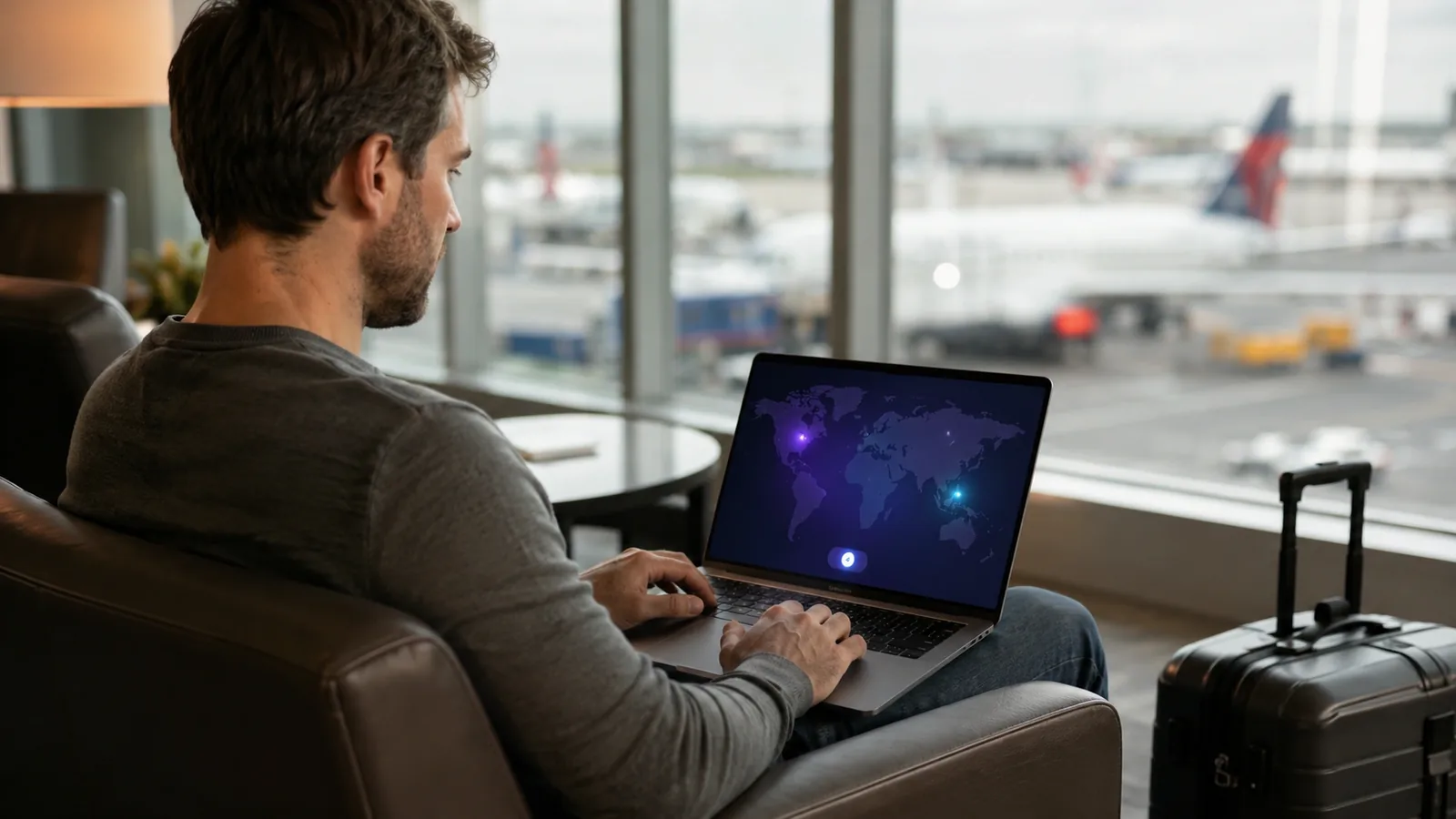
Travelling is the case where one server cannot cover everything, because you want different things at the same time.
Nearby for everyday protection
On hotel, cafe and airport Wi-Fi, connect to something close. A traveller in Singapore will get more out of a Singaporean or nearby Asian server than one from Europe.
Home country for familiar services
With 50+ countries available, your home country is only one tap away. Connecting to your home country usually brings you back to the language, search results and services that you are used to. However, it is not a guarantee. Banks, streaming platforms and government portals look at more than just your IP address to determine your location.
Bypasser for local apps
Many transport, delivery, banking and mapping apps expect a local connection and get unhappy without one. Rather than turning off your VPN, use Bypasser to allow these apps to use your normal connection while everything else stays inside Senton.
A Dedicated IP for work
If your employer only allows access from approved addresses, or if they flag logins that keep moving, a Dedicated IP will provide you with an address that is reserved to your account. This is an optional paid add-on that can be purchased for your plan.
Shared, Static and Dedicated IP
These three get used interchangeably online. They are not the same thing.
- What it is
- One address used by many customers at once
- Best for
- Everyday privacy, because your activity blends in with everyone else's
- What it is
- A consistent address from a supported Senton Static IP location, included in eligible plans. Not reserved for you alone
- Best for
- Wanting the same address each time you reconnect, without paying extra
- What it is
- An address reserved for your account, sold as a paid add-on
- Best for
- Work systems, IP allowlisting and logins that need to recognise you
| Type | What it is | Best for |
|---|---|---|
| Shared IP | One address used by many customers at once | Everyday privacy, because your activity blends in with everyone else's |
| Static IP | A consistent address from a supported Senton Static IP location, included in eligible plans. Not reserved for you alone | Wanting the same address each time you reconnect, without paying extra |
| Dedicated IP | An address reserved for your account, sold as a paid add-on | Work systems, IP allowlisting and logins that need to recognise you |
Type
Choosing for privacy
For everyday privacy a shared server is the stronger default due to the number of people that are situated behind the same address and how the address alone says little about any one of them.
Why some servers trigger more CAPTCHAs
Many sites will challenge you if the traffic to that site appears unusual. Using a shared VPN address can make your traffic appear unusual for reasons that have nothing to do with you.
- Numerous requests from one address
- Logins to completely unrelated accounts
- Sudden change in geographical location of the traffic
- Something another user did using that VPN address last week
Switching to a different server will usually clear it up if that new address has a cleaner history behind it. Using a Dedicated IP will eliminate the problem of other users sharing your IP address, but it's not a cure for the fact that websites can still recognise that your IP address belongs to a hosting network. If you are changing countries or rotating servers in the middle of a login, you are creating that suspicion yourself. For any kind of account-based logins, just pick one server that is close to you and stick to it.
What Geo-Spoofing adds
Choosing a server will change the location tied to your IP address. Apps can still work out where you are from other sources entirely. That is why a phone can end up contradicting itself: the VPN says London, GPS says Dubai, the mobile network says UAE and the account says India.
Geo-Spoofing on Android changes the GPS location that your device reports as well, so that those signals line up with each other rather than fighting against each other.
Keep the Kill Switch on while you switch
When switching between VPN servers there is for a few seconds a break in the secure connection to your VPN service. During this time your device might automatically switch back to the regular connection revealing your real IP address to the websites you are visiting.
Kill Switch will automatically interrupt your internet connection if you ever lose connection to the VPN. This can happen while switching between VPN servers. Auto Connect will reconnect you when you open the app.
When the VPN gets in the way at home
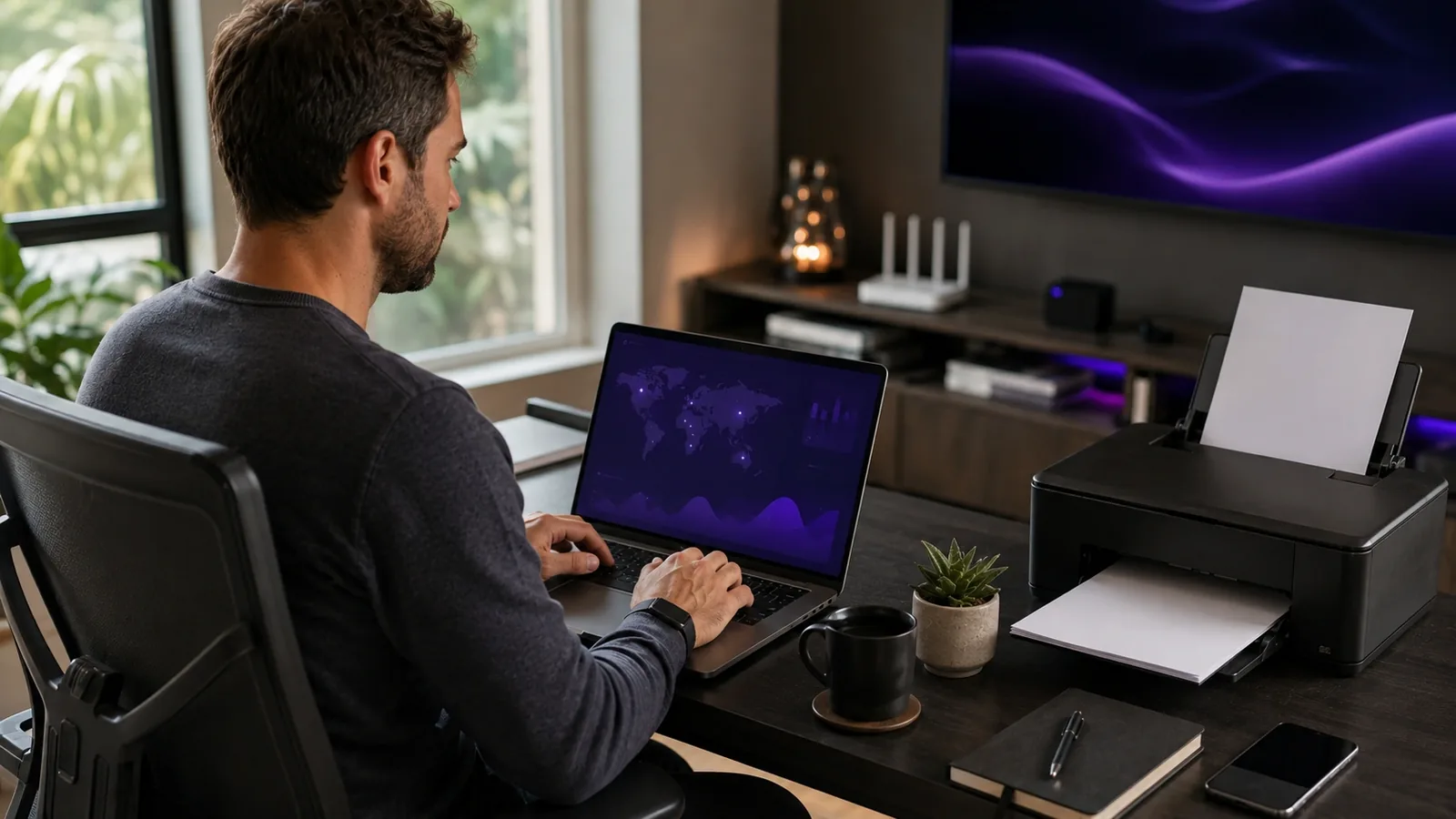
Sometimes a VPN will block things that you want to access, such as a printer, smart TV, network storage or a media server. LAN Accessibility allows you to access trusted devices on your own network while the VPN is running.
Use this feature at home or on a trusted office network. There's no good reason to give access to unknown devices on a public Wi-Fi network.
Best VPN server for your goal
Different activities want different things from a server. Here is the short version.
Best server for speed
Choose the location closest to you. Shorter distance is the part you control.
Best server for streaming
Pick the country where the content is licensed, and stay as close to home as that allows.
Best server for privacy
A shared server in a country with strong privacy law. Switzerland is a common choice.
Best server for gaming
Closest to you or closest to the game server. Test both, then stay on the winner.
Best for stable logins
A Static IP location, or a Dedicated IP when a system needs to recognise you.
Tips for the best experience
- Use the server nearest to you for your everyday speed.
- Try out a second server if the first one you picked feels slow to you.
- Keep the Kill Switch on when your address is the thing that matters to you.
- Use Bypasser in the instance that only one app on your device actually needs the VPN.
- Clear your browser cache if the website seems to still be in the wrong country.
Quick reference
- Server to pick
- Something close to you
- Feature that helps
- Quick Connect
- Server to pick
- Closest, then stay on it
- Feature that helps
- WireGuard
- Server to pick
- Nearby unless you need otherwise
- Feature that helps
- Bypasser
- Server to pick
- Nearby in the country you are in
- Feature that helps
- Auto Connect
- Server to pick
- Your home country
- Feature that helps
- Quick Connect
- Server to pick
- Leave them off the VPN
- Feature that helps
- Bypasser
- Server to pick
- One stable approved location
- Feature that helps
- Dedicated IP
- Server to pick
- Any nearby server
- Feature that helps
- LAN Accessibility
- Server to pick
- Any
- Feature that helps
- Kill Switch
| What you are doing | Server to pick | Feature that helps |
|---|---|---|
| Everyday browsing | Something close to you | Quick Connect |
| Video calls and gaming | Closest, then stay on it | WireGuard |
| Streaming | Nearby unless you need otherwise | Bypasser |
| Travelling day to day | Nearby in the country you are in | Auto Connect |
| Home services from abroad | Your home country | Quick Connect |
| Banking and delivery apps | Leave them off the VPN | Bypasser |
| Work dashboards | One stable approved location | Dedicated IP |
| Reaching your printer | Any nearby server | LAN Accessibility |
| Switching servers safely | Any | Kill Switch |
How to check you picked well
- 1Observe the way your connection behaves without the VPN connected.
- 2Now connect through Quick Connect and use the connection normally for a few minutes before making any judgement at all about the quality of that connection.
- 3Make sure to use the sites and apps that you use in your day to day life, rather than judging the server purely on a speed test result.
- 4Try a second location nearby, and compare the two against each other.
- 5Make sure you're using the same device and the same Wi-Fi for both, to ensure that you're comparing the same thing.
The best server is not the one with the highest number. It is the one that stays steady while you are doing the thing you sat down at the computer to do.
The short version
If you take one thing from this guide to VPNs and server choice, take this. There is no single best server. For browsing, calls, gaming and streaming, start with one that is nearby to you and tweak to the next best one should this one fail to impress.
While travelling, use a local server for your daily use, but use your home country for the familiar services you are used to. Use Bypasser to send your banking and transport apps around the VPN so that you do not have to turn the VPN off for these apps to function properly.