
A consistent VPN IP, reserved for your account.
Get a Dedicated IP address that is exclusively assigned to a single user or account, giving you one consistent IP address in a specific location with Senton VPN. It helps with allowlisting, remote access and services that expect a stable address.
Dedicated IP is an optional paid add-on. It is not included with the standard Senton VPN subscription or free trial.

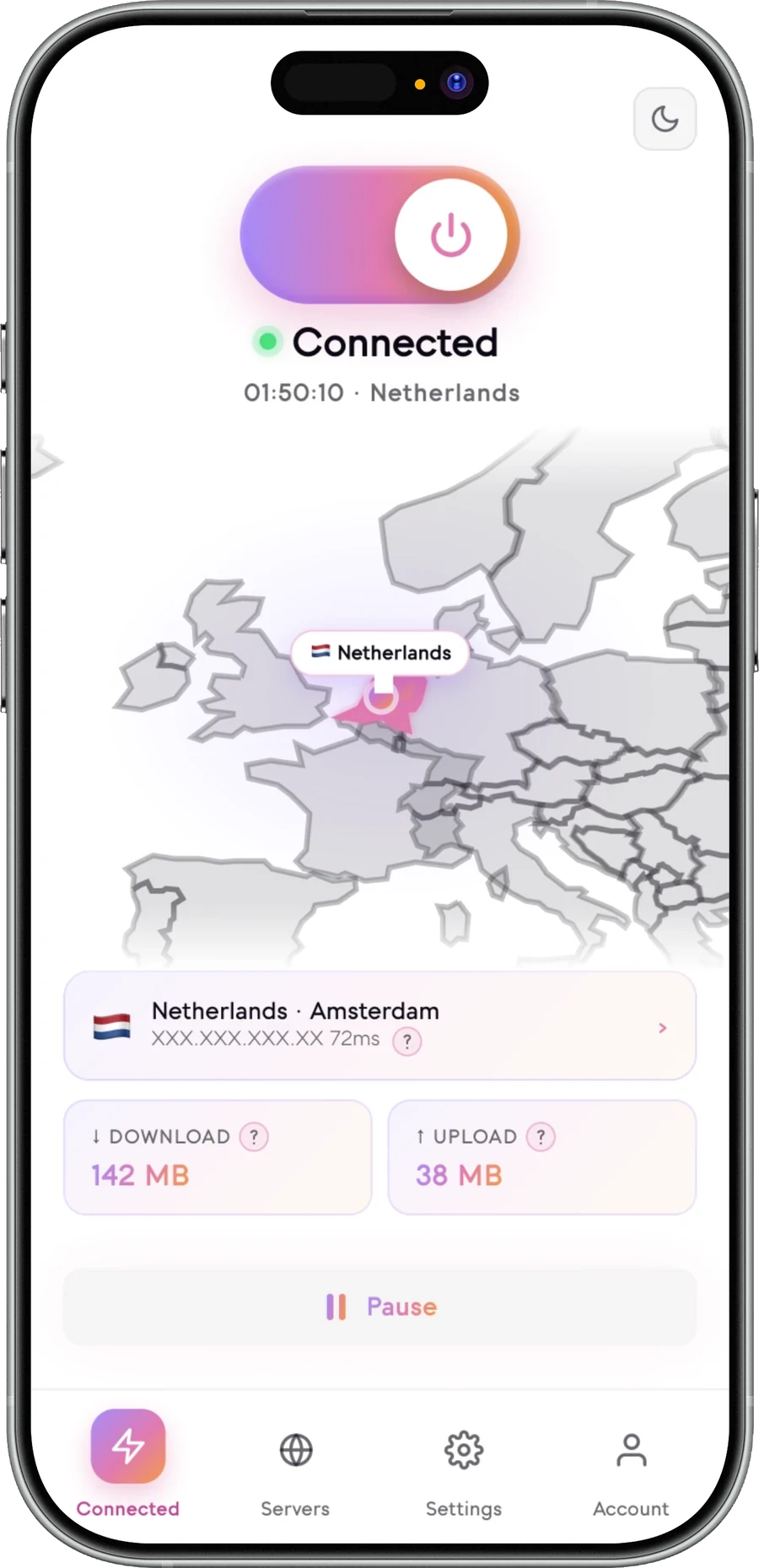
What is a Dedicated IP?
A Dedicated IP address is one that is exclusively assigned to your account. Shared IP addresses work in the opposite way: multiple users are assigned to one IP address. A Dedicated IP is yours alone, and Senton VPN offers it as an add-on in certain locations.
When using a standard VPN, you are given an IP address that is shared with other VPN customers. With a dedicated IP address VPN, your IP address stays the same while the add-on is active. Websites and systems that use that IP address will recognize you each time you connect.
This helps reduce the number of times you are blocked by websites or prompted to complete a CAPTCHA verification check. It also lets you connect more smoothly to remote networks, servers at home or databases on your work network.
- Consistent VPN IP address
- Reserved for one account once configured
- Available in selected locations
- Useful for supported IP allowlists
- Optional paid add-on
Dedicated IP in the Senton app
An address held for your account, shown where you can see it and manage it.
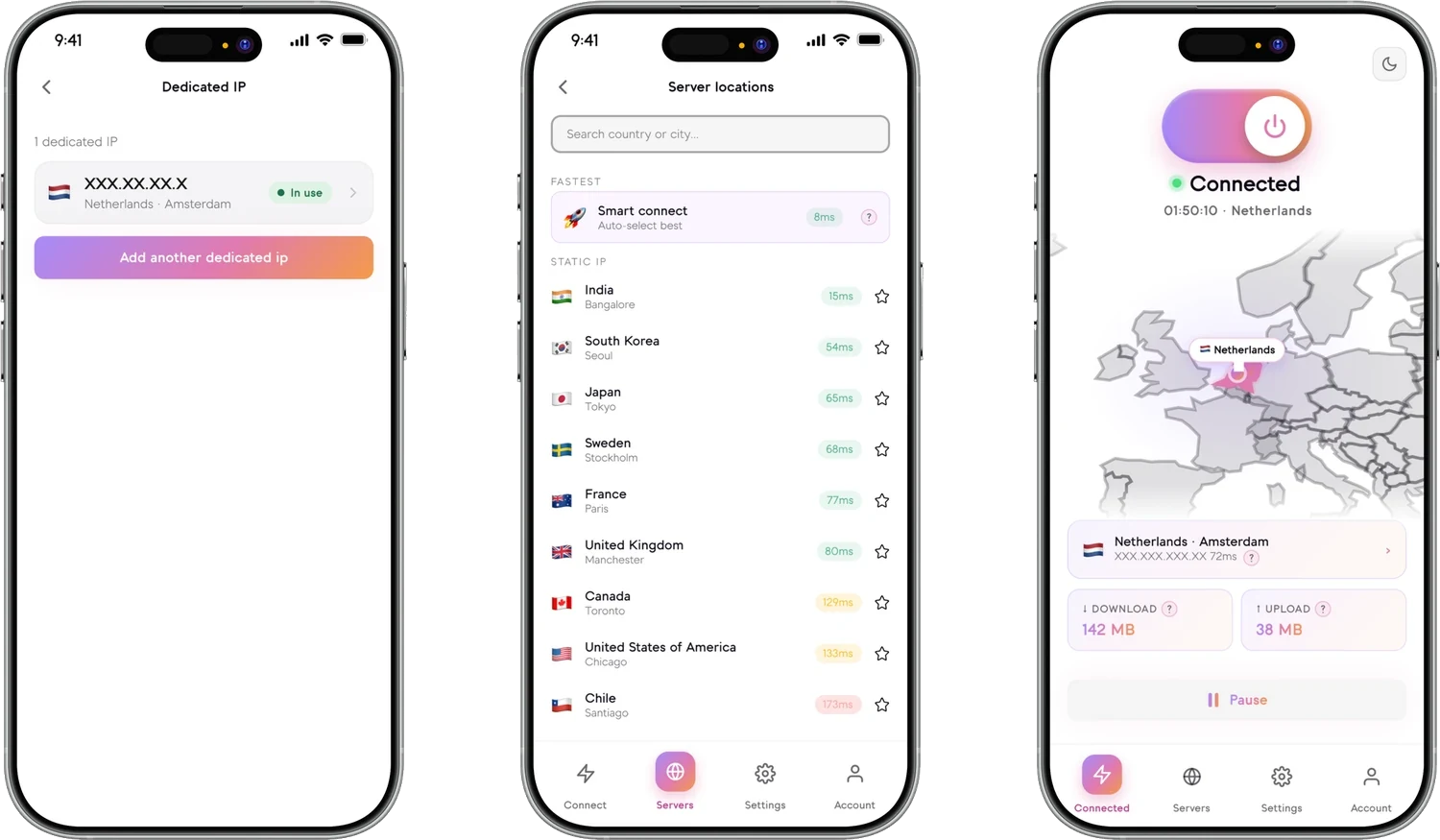
Addresses shown are examples, not real ones.
Dedicated IP or shared VPN IP?
- Used by several customers at once
- May change with reconnection
- Lets you blend in among many users on one address
- Can result in extra verification from services
- Standard VPN subscription feature
- Reserved for one account where configured
- Remains consistent according to add-on terms
- Useful for allowlisting and predictable access
- May reduce some repeated IP-change prompts
- Optional paid add-on
- Easier to associate with repeated activity
Neither option is best for everyone. A Dedicated IP VPN is better for people who need one specific address to remain theirs alone, while a shared VPN IP is better for those who want to blend in with the other users who use the same IP address.
How Dedicated IP works
Your Dedicated IP address will remain the same as long as the add-on is active and available to you under your subscription terms.
Why choose a Dedicated IP?
Understand the privacy trade-off
- Supported traffic uses the VPN tunnel
- Websites see the Dedicated IP rather than your normal ISP IP
- Senton connection controls remain available according to platform support
- The active location remains the selected Dedicated IP region
- The same VPN IP may appear across repeated sessions
- Activity may be easier to associate with one recurring IP
- Logged-in websites can still identify the account
- Cookies and browser fingerprints remain separate tracking signals
- The address may be allowlisted or blocklisted by third-party services
Dedicated IP provides consistency, not complete anonymity.
Locations and pricing
Dedicated IP is offered in selected supported locations — not across the whole Senton network.
Available locations
You choose from the Dedicated IP locations currently offered when you add the product to your subscription. Location availability and capacity may change, so the live list is shown at checkout rather than here.
Sign in to view available locationsDedicated IP pricing
Sign in to view available locations and current Dedicated IP pricing. The add-on price and billing interval are confirmed at checkout.
- Dedicated IP is billed separately from the standard VPN subscription.
- An eligible Senton VPN subscription is required before the add-on can be purchased or activated.
- Available locations, current pricing and renewal details are shown in your account at checkout.
- Supported website currencies are EUR, USD and GBP.
Location availability may change.
Compatibility depends on the service
Senton cannot guarantee that a third-party service will accept or continue accepting a Dedicated IP.
Dedicated IP availability
Application support and connection scope depend on the current Senton platform.
 AndroidSupported
Connect through the assigned Dedicated IP on the device VPN connection. Purchase and add-on management are handled in your Senton account.
 Chrome extensionSupported
Available in Chrome. Your Dedicated IP applies to the traffic the extension handles. Purchase and management use the Senton account dashboard.
Application support and connection scope depend on the current Senton platform; more will be listed here as they become available.
Get a Dedicated IP
Manage your Dedicated IP
- The add-on is billed separately from the standard VPN subscription.
- Renewal, cancellation and grace-period behaviour are shown in your account dashboard and the applicable terms.
- If the add-on ends, the assigned address may be released and the same IP may not be available again later.
- An eligible Senton VPN subscription must remain active for the Dedicated IP to be usable.
Stable IP or rotating IP?
- Consistent assigned VPN exit IP
- Useful for allowlisting
- Optional paid add-on
- Repeated sessions use the same address according to the terms
- VPN exit IP changes every 3 to 5 minutes
- Designed for dynamic IP use
- Available according to the current feature configuration
- Not intended for stable allowlists
The two features serve different purposes and may not be available simultaneously.
Works with Senton connection controls
Frequently asked questions
No, Dedicated IP is not included in the plan. It is an available paid add-on for customers with an eligible Senton VPN subscription, and it is billed separately from the Senton subscription.
The 7-day free trial allows you to test out the Senton VPN subscription. The Dedicated IP add-on needs to be purchased separately, so review the current add-on terms in your account before subscribing to the Senton VPN service.
When choosing a provider, look into the location of the Dedicated IP addresses, whether the address stays with you while you hold the add-on, and the billing terms. Anyone comparing the best dedicated IP VPN options should also weigh platform support, so look for a VPN with Dedicated IP address support on the devices you use the most.
Location options and any change or replacement terms are displayed in your Senton account dashboard. A change may mean selecting a different available location under the applicable add-on terms.
The assigned address is meant to remain the same while you have the add-on, but a replacement may be needed in exceptional technical, security or availability circumstances.
No. These two features work against each other, so only one or the other can be active at any one time.
It is not necessarily faster. The speed of the connection will depend on your device, your internet connection, the distance between you and the server, congestion and the destination service. Dedicated IP is about consistency rather than a faster connection.
The Dedicated IP address may be released after the applicable service or grace period, and it may not be available again at a later time. For information about renewals and cancellations, please check your account dashboard.
Both are non-changing IP addresses. The difference is exclusivity. A Static IP stays the same every time you connect instead of being switched automatically, but it can be shared at the same time by a large number of other users. A Dedicated IP is assigned to you alone. In short: a dedicated IP means you are the only user assigned to that address, whereas a static IP just means the address does not change.
Need a consistent VPN IP?
Add a Dedicated IP to an eligible Senton VPN subscription and choose from available supported locations.
Dedicated IP is a separately billed add-on.