
Safeweb, a VPN ad blocker for a cleaner web.
Safeweb is the filtering feature built into Senton VPN. It helps to reduce the number of requests to known advertising, tracking and unsafe domains, so pages carry fewer unwanted extras.
The coverage of Safeweb depends on the application, the platform, the website and the available filtering rules.

What is Safeweb?
Safeweb is what turns Senton VPN into an ad blocker VPN. Safeweb helps to stop supported requests to known advertising, tracking and unsafe domains while the VPN is active.
Depending on the platform, the request to the domain may be filtered before the domain’s content is requested. This helps to reduce some advertisements, tracking scripts and known malicious destinations.
Safeweb works at the domain level so one setting covers supported traffic with nothing to configure per website.
- Helps to reduce requests to known advertising domains
- Helps to block requests to known tracking domains
- Helps to prevent access to supported unsafe domains
- Works automatically once enabled
- Can be disabled in the supported Senton VPN applications
Illustration only. Coverage varies by website, platform and filtering rules.
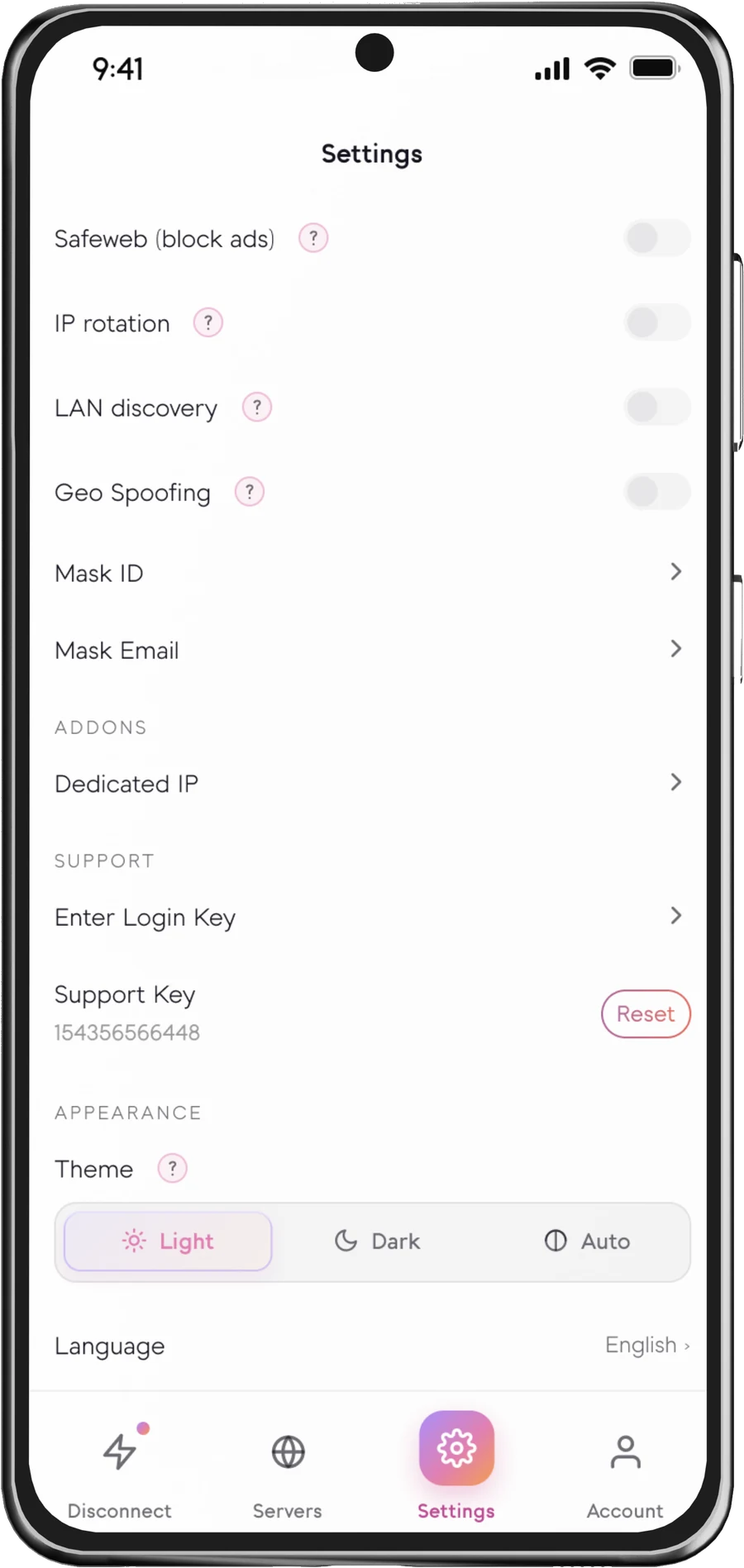
Safeweb in the Senton VPN app
The setting on mobile and the Chrome extension popup.

How Safeweb works
Requests that do not match the current rules will continue to operate normally.
What Safeweb can help block
A cleaner browsing experience
Illustration only. Actual results vary by website, platform and filtering rules.
Where Safeweb can help
Safeweb availability
Safeweb coverage depends on the Senton VPN application, platform and technical environment so what an ad blocking VPN can filter varies from one platform to the next.
 AndroidSupported
Safeweb can filter supported domain requests handled through the Android VPN connection.
 Chrome extensionSupported
Available in Chrome. Known advertising, tracking and unsafe domains are blocked as you browse.
More platforms will be listed here when Safeweb becomes available in additional Senton applications.
Important to know
A VPN with ad blocker filtering relies on supported filtering rules, so Safeweb cannot block every single advertisement, tracker, phishing page or malicious destination.
Some advertisements come from the same domain as the website content. Some trackers change domains frequently. Some applications use methods that are outside the scope of the Senton VPN Safeweb feature.
Safeweb reduces unwanted requests rather than delivering completely ad free browsing, and it should be used alongside normal browser security, device updates and careful online behaviour.
How to enable Safeweb
The steps may vary slightly between the Android app and the Chrome extension.
Works well with other Senton VPN features
Frequently asked questions
Generally, no. A VPN will move your data through an encrypted tunnel. It does not get to decide what requests your device can make of the web pages you visit. So when people ask “Does using a VPN block ads?”, the tunnel alone will not. However, the Safeweb feature included with Senton VPN does block ads from supported domains.
No. Some may still show up from domains that are not covered by the current rules for Safeweb, or from the same domain as the content on those websites.
Yes. Using an ad blocker is generally safer than browsing without one. It can help protect you from malvertising, meaning malicious ads, and can stop many trackers from following you across sites.
No. Coverage depends on the Senton VPN platform and the technical environment, and browser-extension protection may apply only to supported browser traffic.
No. Safeweb can help block connections to supported unsafe domains, but it will not provide the same protection as antivirus software, device security updates or careful browsing.
By blocking some advertising and tracking requests, fewer resources may be required to load a page. Actual performance still varies by website, device, connection and platform.
Yes. Safeweb can be disabled from within the settings of the supported Senton VPN applications.
Browse with fewer unwanted requests.
Start the 7-day Senton VPN trial and use Safeweb on supported applications if you are weighing up the best VPN with ad blocking built in.