
Keep your LAN network connectivity while the VPN stays on.
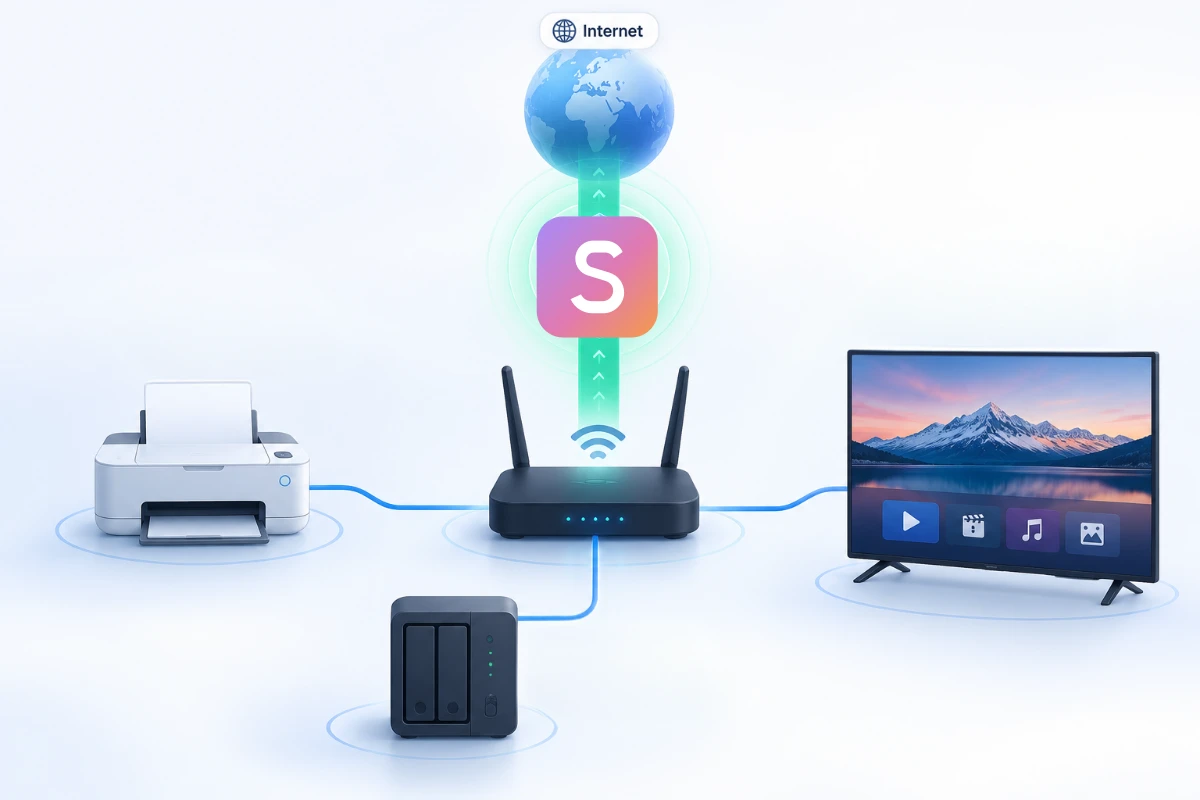
Switching the VPN off to reach a document or a drive located in the next room is a habit nobody wants to develop. LAN Accessibility from Senton VPN removes the need to switch the VPN off. All of your local area network devices will remain accessible, so you keep local network access and protected browsing together.
The routing of your connection will split. Any communication to devices on your local area network will use your LAN connection. Eligible internet traffic will route through Senton VPN as per your active connection settings.

What is LAN Accessibility?
LAN Accessibility means that your device does not lose its LAN network connectivity even when your VPN is protecting your internet connection. You can still have supported conversations between your device and the other machines on your local network. This feature is also referred to as local network access.
Anything your device sends to a machine on your own network rides your LAN connection and never reaches the remote VPN server. Traffic meant for the internet will route through your VPN connection as normal.
It should be noted that access depends on your router, firewall, device permissions and network configuration.
- Access supported local printers and storage
- Use supported media and home-network devices
- Keep the main VPN connection active
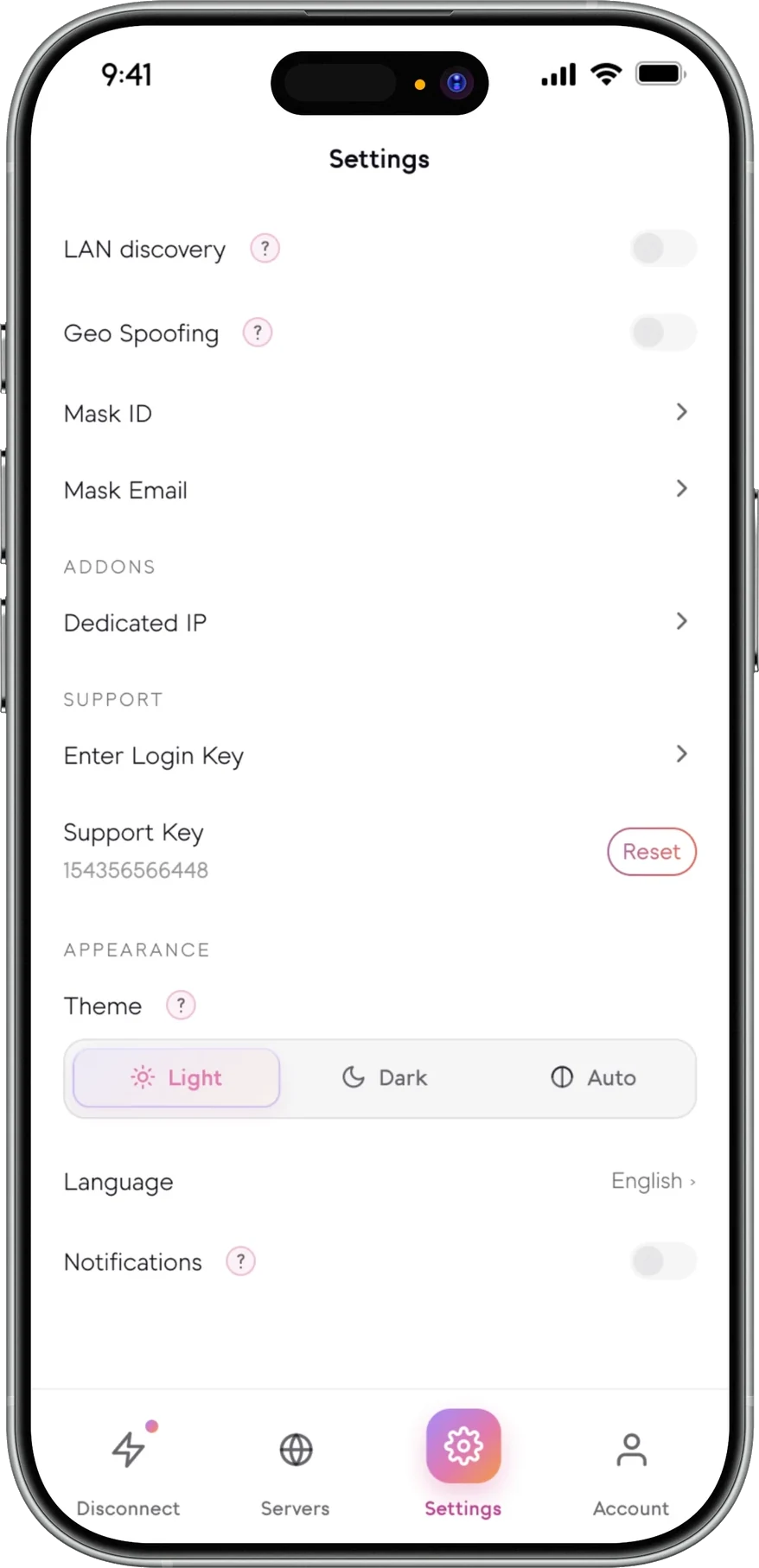
- Enable or disable the local-network exception
- Use only on trusted networks
LAN Accessibility in the Senton VPN app
A single setting, on each platform.
Two routes, one active connection
- Examples: printer, NAS, smart TV, router page, local media server
- Stays on your LAN network connection
- Never reaches the remote Senton VPN server
- May reveal the device's private LAN address to local devices
- Depends on router and firewall permissions
- Examples: websites, internet applications, online services
- Uses the Senton VPN tunnel where eligible
- Uses the selected VPN location
- Subject to Bypasser and other routing rules
- Protected according to the active VPN settings
Local-network exceptions do not automatically apply to traffic outside the LAN.
How LAN Accessibility works
Devices LAN Accessibility may help you reach
Useful at home and in the office
Use LAN Accessibility only on networks you trust
- Local traffic can bypass the VPN tunnel
- Local devices may see the private LAN address
- The device may communicate with printers, storage and other systems
- Operating-system firewall rules remain important
Why can’t Senton VPN find my printer or NAS?
LAN Accessibility availability
Availability and routing scope depend on the Senton application and operating environment.
 AndroidSupported
Local network access applies to the device VPN connection. The behaviour is dependent upon the local network, the router and operating system permissions.
 Chrome extensionSupported
Available on Chrome browser. Devices on the local network, like printers and network drives, will be accessible while browsing the internet with the extension installed.
Availability and routing scope depend on the Senton application and the operating environment.
Enable LAN Accessibility
How LAN Accessibility works with other Senton controls
Works with other Senton connection controls
Frequently asked questions
Connected to the VPN, your device can still talk to the other hardware on your local network. Printers, smart TVs and media servers are some examples of the kind of hardware you might have on your local network. Traffic between devices on your local network does not go through the private VPN tunnel.
Open the VPN Settings within the Senton application. Switch on LAN Accessibility. Connect to the VPN while you are on the local network you trust. Your operating system may ask for permission to access the local network; approve it.
No. Traffic between your device and another device on your local network does not go through the VPN. Eligible internet traffic does, however.
Yes. Switching on LAN Accessibility changes the path that traffic between devices on your local network takes. It does not impact the path that your internet traffic takes. Internet traffic continues to use your active Senton connection, according to your routing settings.
No. LAN Accessibility only works between devices on the same local network. It does not allow your device to access other devices on your local network from some other location. That job calls for a different kind of remote-access setup.
Compatibility of LAN Accessibility depends on the local device, router, firewall, discovery method and the Senton platform you are on. Printers, NAS devices and media systems are some of the supported devices.
We would not recommend using LAN Accessibility on shared networks such as hotels, airports and cafes, as you do not know what else is connected to the network. Turn it off until you are on a network you trust.
Yes, LAN Accessibility is available in the Chrome extension, so you can still access local devices like printers and network drives while browsing with Senton VPN.
The device may be on a different network or subnet. Your router may not allow clients to connect to other clients on the network. The device may have a firewall that does not allow local connections. The permission for LAN accessibility may not be enabled on the Senton VPN app for your local network. The service for accessing the device may not be running on the device.
No. LAN Accessibility is usually disabled by default for security reasons. You need to manually turn it on in your application settings.
Keep trusted local devices within reach.
Start your 7-day Senton VPN free trial and use LAN Accessibility on supported applications & trusted networks.