
Same IP Address. Every Time You Connect.
A Static IP will assign you a VPN address that does not change between sessions, which helps with allowlists, remote access and services that expect a consistent address.
Static IPs are not exclusively assigned to your account. Multiple customers share the same Static IP if they connect to the same location. If you need an address assigned exclusively to your account, that is the separately billed Dedicated IP add-on.

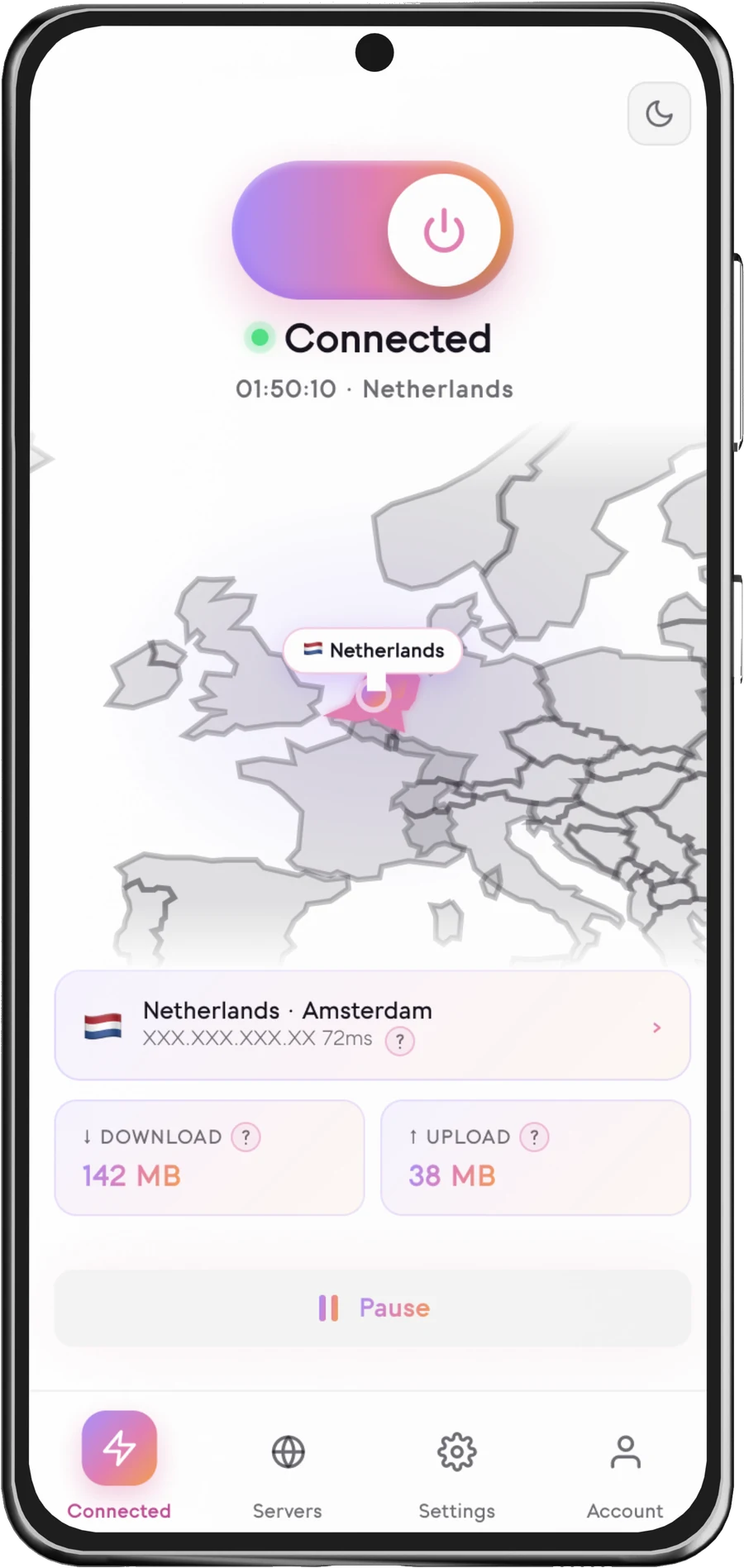
What is a Static IP?
A Static IP is a VPN address that remains the same each time you connect to a supported Senton location. This is the same thing as a fixed IP address.
Whereas with dynamic IPs your address may differ each time you connect to the VPN, a static IP address will provide your compatible services with the same address each time.
While your Static IP is tied to the location you select, it will not be exclusively yours.
- Consistent IP address
- Available in selected locations
- Useful for compatible allowlists
- Works through supported Senton applications
- Different from the Dedicated IP add-on
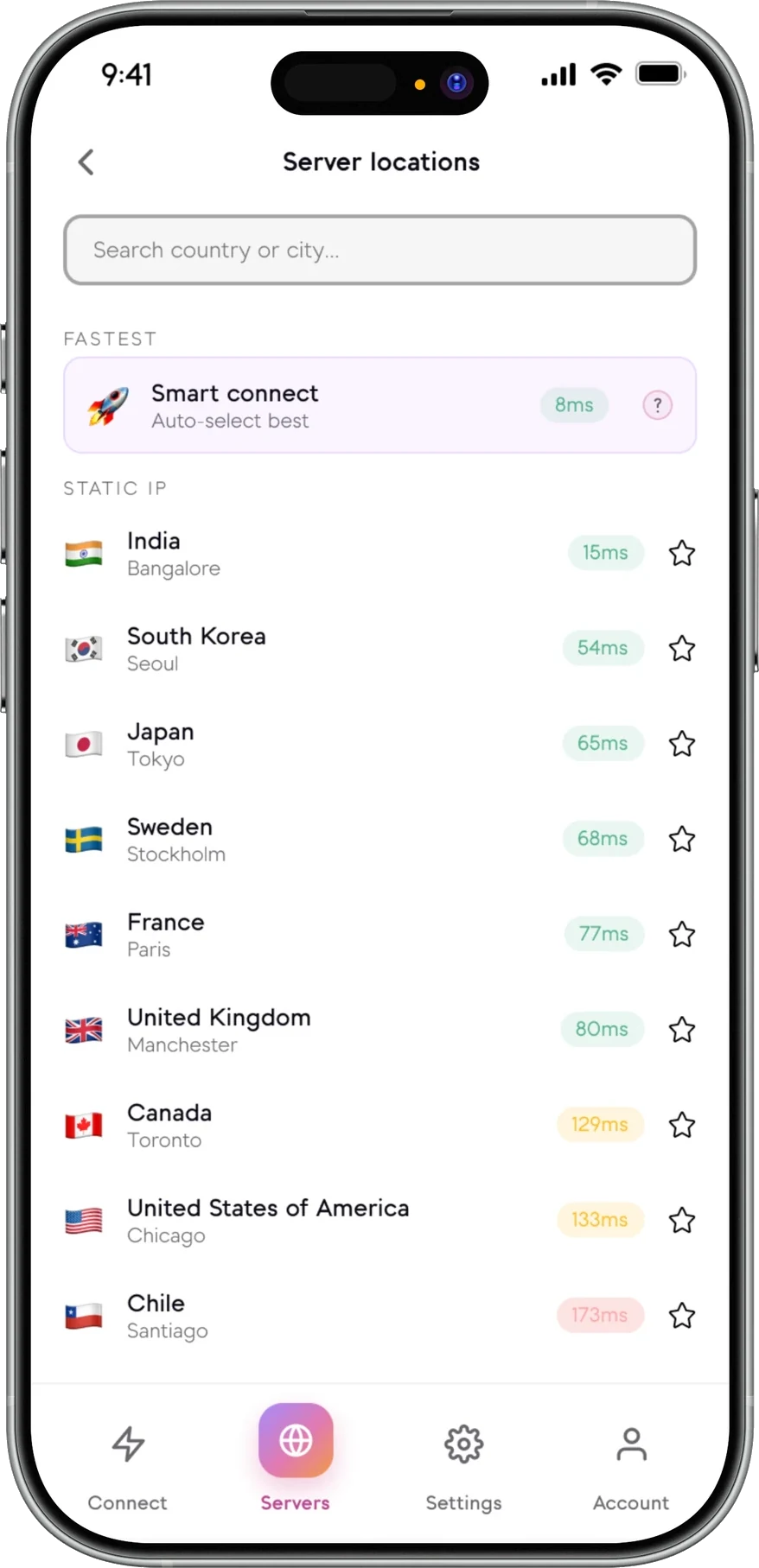
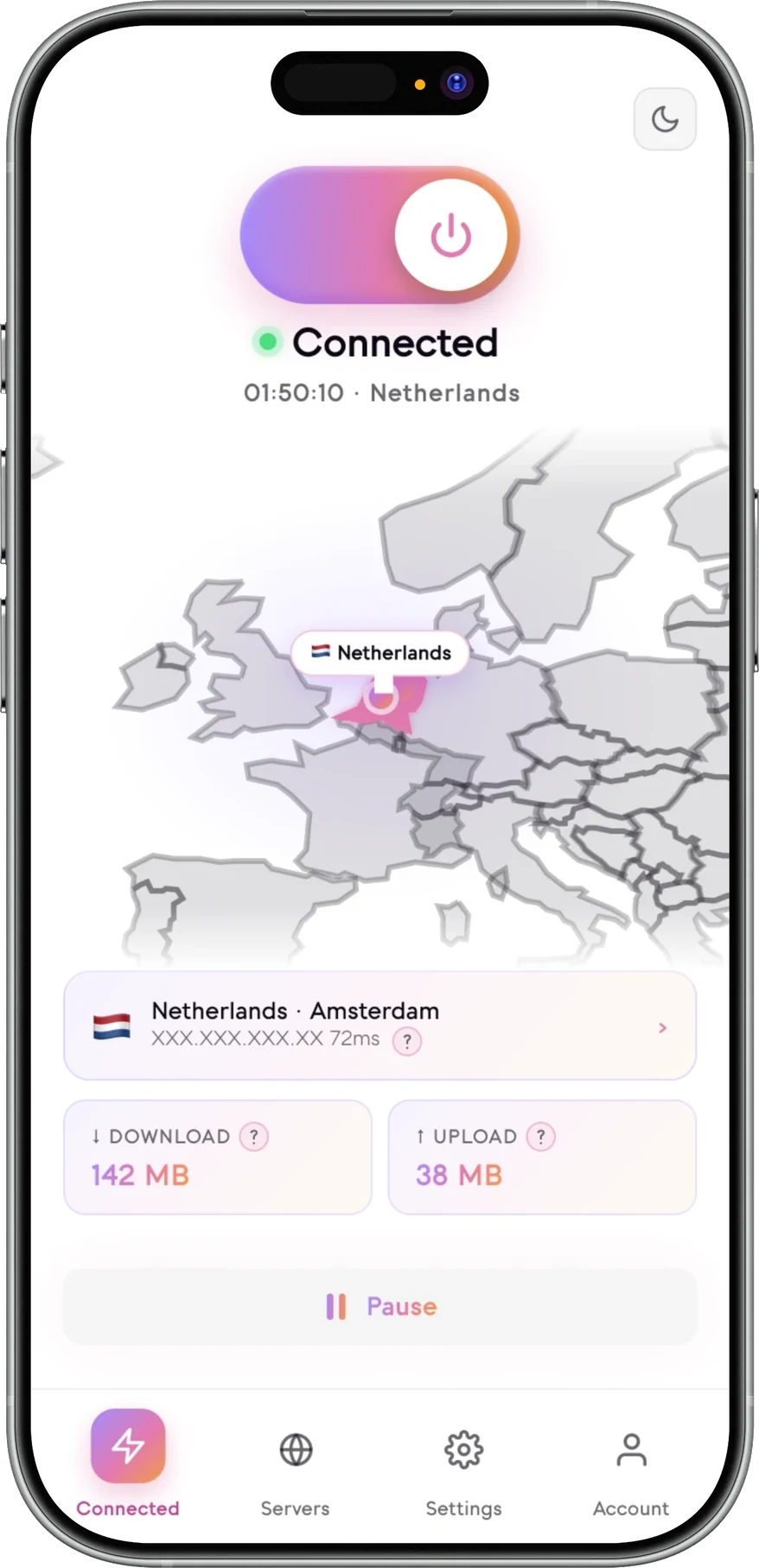
Static IP in the Senton app
Choose a location, connect, and come back to the same address next time.

Static IP or dynamic VPN IP?
- May change with each VPN connection
- Connects to a general pool of servers
- Good for everyday browsing privacy
- More variation in IP addresses
- Included with the standard VPN service
- IP address is intended to remain the same
- Connect to a Static IP location
- Useful for needing to use the same address
- Not dedicated to one account
- Availability varies by location and platform
There is no better choice between static and dynamic IP addresses. A static IP VPN connection will provide the same address each time you connect, while a dynamic IP will provide a different one.
Static IP and Dedicated IP are different
Both give you a consistent address — the difference is whether it is reserved for your account.
- Offers a consistent VPN address
- Obtained from a supported Static IP location
- Included with eligible plans
- Shared with other customers using the same location
- Useful for general use with a consistent IP address
- Offers a consistent VPN address reserved for one account
- Available as an optional, separately billed add-on
- Only available in supported Dedicated IP locations
- Better suited to account-specific allowlisting
- Has different characteristics regarding privacy
Senton VPN runs a static IP address VPN service in selected locations, and dedicated IP addresses are offered as a separate product. These two offerings cannot be active at the same time, so choose the one that fits before you connect.
How Static IP works
A Static IP address should remain the same for the customer. However, Senton VPN may need to replace it to accommodate maintenance, security, infrastructure changes, availability or abuse prevention.
Why choose a Static IP?
Understand the privacy trade-off
- A consistent VPN address
- The selected VPN location
- VPN-tunnel protection for eligible traffic
- Predictable access for compatible services
- Complete anonymity
- Guaranteed access to third-party services
- Protection from account tracking
- Removal of cookies
- Removal of browser fingerprints
- A legally owned IP address
- Exclusivity — that is the Dedicated IP add-on
- Stronger encryption than other Senton locations
A consistent IP can be easier to associate with repeated activity than an address that changes regularly.
Compatibility depends on the service
Third-party services can block or restrict any VPN IP at their discretion.
Static IP availability
Application support and connection scope depend on the current Senton platform.
 AndroidSupported
Select a supported Static IP location and connect on the device VPN connection.
 Chrome extensionSupported
Available in Chrome. Your Static IP applies to the traffic the extension handles.
Static IP location availability may change, and application support depends on the current Senton platform.
Connect through a Static IP
How Static IP works with other Senton features
Explore other Senton IP and connection options
Frequently asked questions
No. While it is meant to remain the same, it is not a permanent IP address and it is not yours to keep. Senton may need to replace the address for maintenance, security, availability or abuse prevention, and no VPN can guarantee that a given address will last forever.
No, a Static IP is not the same as a Dedicated IP. The Static IP address will come from one of the supported locations. However, the address is shared with other customers who are connected to the same location. Dedicated IP addresses are reserved for one account.
No. Only one of these addresses can be active on a connection at a time. Depending on what you need to do, choose one or the other before you connect.
Ensure that the provider you choose has Static IP available in the regions you require. Check if it is included with your subscription or if there is an additional cost for it. Make sure the devices you wish to use support Static IP.
Static IP addresses are included with qualifying Senton plans rather than being available as an add-on. Static IP addresses, however, are not available in all locations and on all Senton platforms.
The 7-day free trial applies to your qualifying Senton VPN subscription. Feature availability during the trial follows your current plan entitlement, so check your account for what is active.
Your Static IP address is meant to remain the same under your plan. Senton, however, may need to replace it for maintenance, availability, security or other infrastructure requirements.
Yes. Static IP locations can be selected in any of the supported Senton applications. Changing your Static IP address location will change the address through which you connect.
Need a consistent VPN IP?
Connect through a supported Senton Static IP location when you need a predictable VPN exit address.
Static IP availability varies by location, platform and subscription eligibility.